16:9
Landscape
For YouTube and desktop

Chat through the idea, mood, shots, and style. Then generate your music video.
Start with the format that matches your release: performer, photo story, lyrics, or vinyl visualizer.
Bring your songs to life with cinematic slideshow videos, AI singer performances, animated lyric videos, and retro vinyl visualizers - all designed for artists, creators, and music releases.
Add your photos, match the music, and let Dolami turn them into a flowing story.
01
Add photos
02
Match the music
03
Render the story
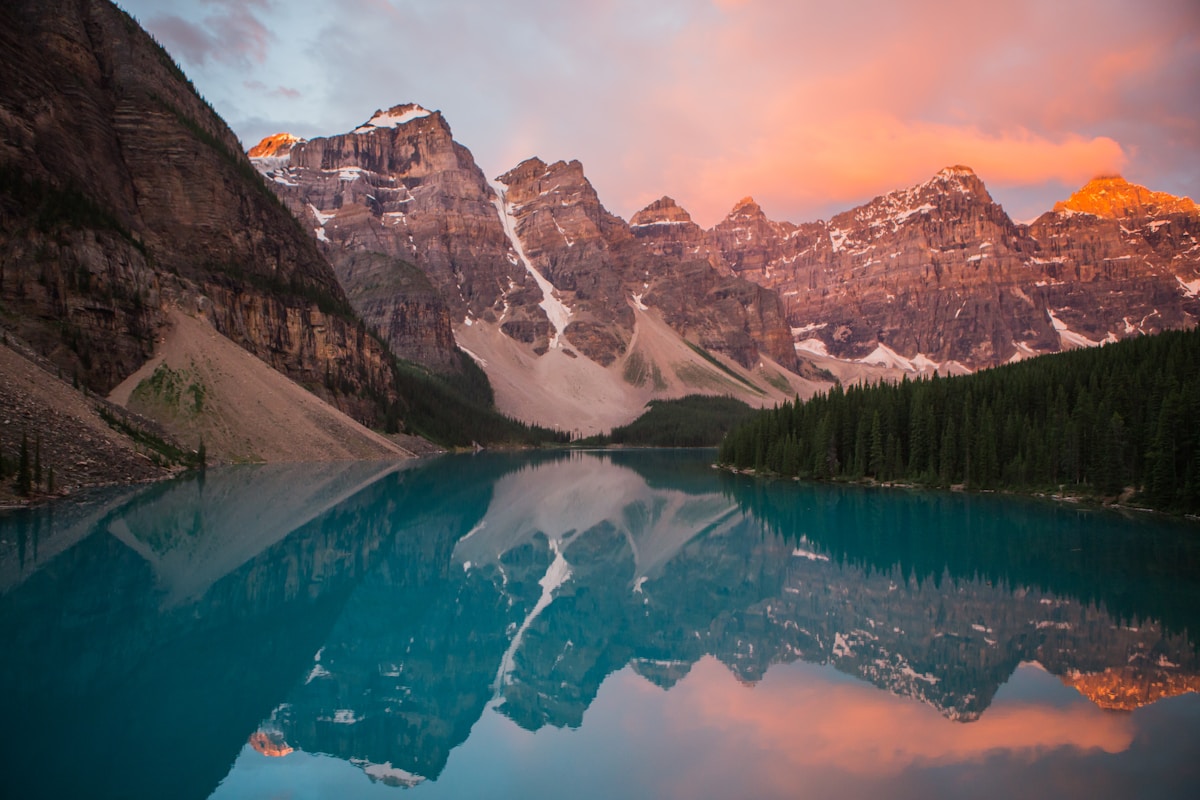 03:15
03:15Create the same music story in any format, perfect for every platform and audience.
Landscape
For YouTube and desktop
Portrait
For Shorts, Reels, and TikTok
Square
For feeds and social posts
Fine-tune each image with motion, duration, order, and transitions before the final render.
2.4s
2.8s
3.2s
2.6s
2.8s
Explore music video formats for releases, promos, lyrics, performers, and visual stories - then choose the right tool for each creative goal.
 AI MV Agent
Generate a complete music video from your song, images, and creative direction. AI MV Agent helps build a full visual sequence with scene flow, pacing, and cinematic direction.
Best for
Full song releases
Typical output
Complete MV with multiple scenes
Works well in
YouTube, artist pages, campaign videos
Choose this when
You want one finished video, not just a short visual clip
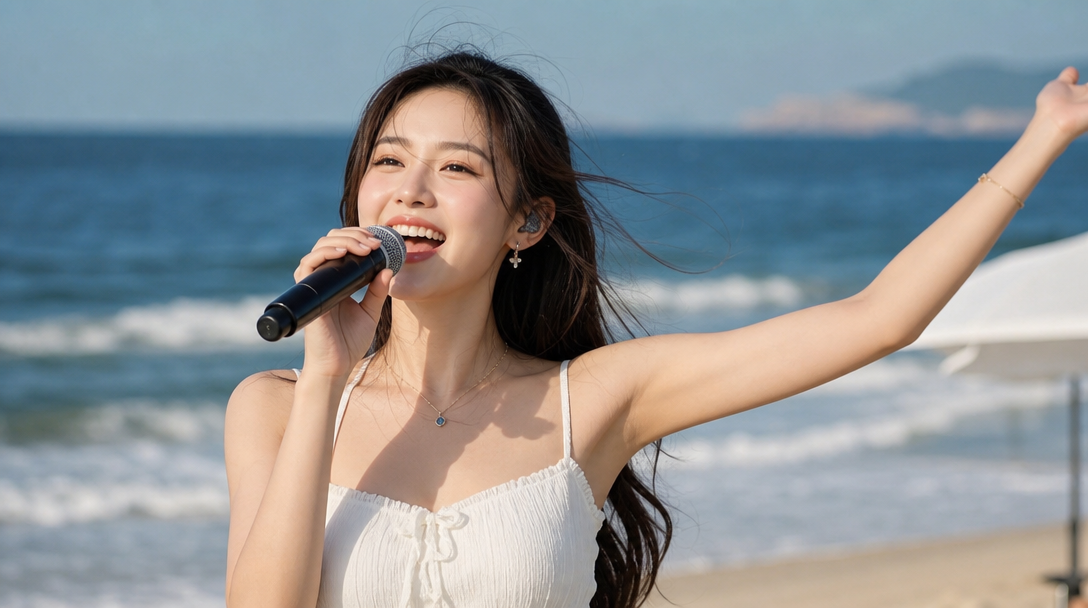
AI Singer VideoCreate a performer-led music video with an AI singer. Bring your track to life through a virtual character, singer reference, or artist-style performance.
Best for
Performer-first music videos
Typical output
Singer-focused video
Works well in
Artist promos, single releases, character performances
Choose this when
The song needs a visible performer or virtual artist
Slideshow VideoTurn curated photos into a cinematic slideshow music video. Perfect for visual stories built from memories, locations, moods, or album imagery.
Best for
Photo-led storytelling
Typical output
Timed slideshow video with motion and transitions
Works well in
Travel recaps, memory edits, mood videos
Choose this when
You already have photos that tell the story
Lyrics VideoTurn lyrics into animated music visuals with typography, motion, and rhythm. Ideal for lyric-focused releases, teasers, and social clips.
Best for
Lyrics-first storytelling
Typical output
Animated lyric video
Works well in
Lyric releases, chorus clips, social teasers
Choose this when
The words are the emotional center of the song
Vinyl VideoCreate a stylish vinyl-inspired visualizer for your track. Best for looping promos, retro music visuals, cover art motion, and relaxed listening content.
Best for
Vibe-first visual loops
Typical output
Looping vinyl-style music visualizer
Works well in
YouTube background videos, album promos, ambient tracks
Choose this when
You want a simple, stylish visual that keeps the song alive
Explore
Jump into the right creative path when your music video needs a different format, source, or visual rhythm.
Start from a song and let the workspace guide format, source, and visual direction.
Draft a complete song before turning it into visual release assets.
Separate vocals and instrumentals so you can rebuild a cleaner edit.
Replace vocal character and explore new performance tones from the same track.
Open audio-first tools for cleanup, source prep, and track refinement.
Shape lyric drafts, hook lines, and text-led video ideas before rendering.
FAQ
Quick answers for turning songs, images, lyrics, and release ideas into polished music videos.
Dolami supports MV Agent for full guided music videos, plus cinematic slideshow videos, AI singer performances, animated lyric videos, and vinyl-style visualizers for release promos, social clips, and full music stories.
A finished song gives the best timing and creative direction. You can also start from a draft track, then refine the visuals once the final version is ready.
Yes. Upload photos for slideshow videos, cover artwork for lyric or vinyl visuals, or a singer reference image for performance-led music videos.
You can create music videos in landscape, portrait, and square formats, so the same release can be adapted for YouTube, TikTok, Reels, Shorts, and feed posts.
Yes. For supported modes, you can adjust image order, scene duration, motion style, and transitions before creating the final video.
Use clear audio, consistent visual references, simple lyric lines for lyric videos, and strong cover art or character images with clean lighting and framing.